YouTube
Rider guide library
Moped Drag Guides: Controls, Bikes & Beginner Racing Help
Learn the current control map, build a calm first-session routine, and handle the re-upload restoration process without relying on invented bike stats. These Moped Drag guides distinguish official statements from player workflows, show exactly what should be checked in the live client, and connect each topic to the next useful page. Start with basic riding, then move into ownership recovery only when the account evidence requires it. Use the official Roblox experience as the final reference whenever a live label, route, price, or interface no longer matches this evidence snapshot.
Evidence firstVerified facts stay separate from open questions
Practical routesEach page solves one concrete player task
Live checksChanging details are confirmed in the current client
Clear boundariesNo invented values, rankings, or hidden systems
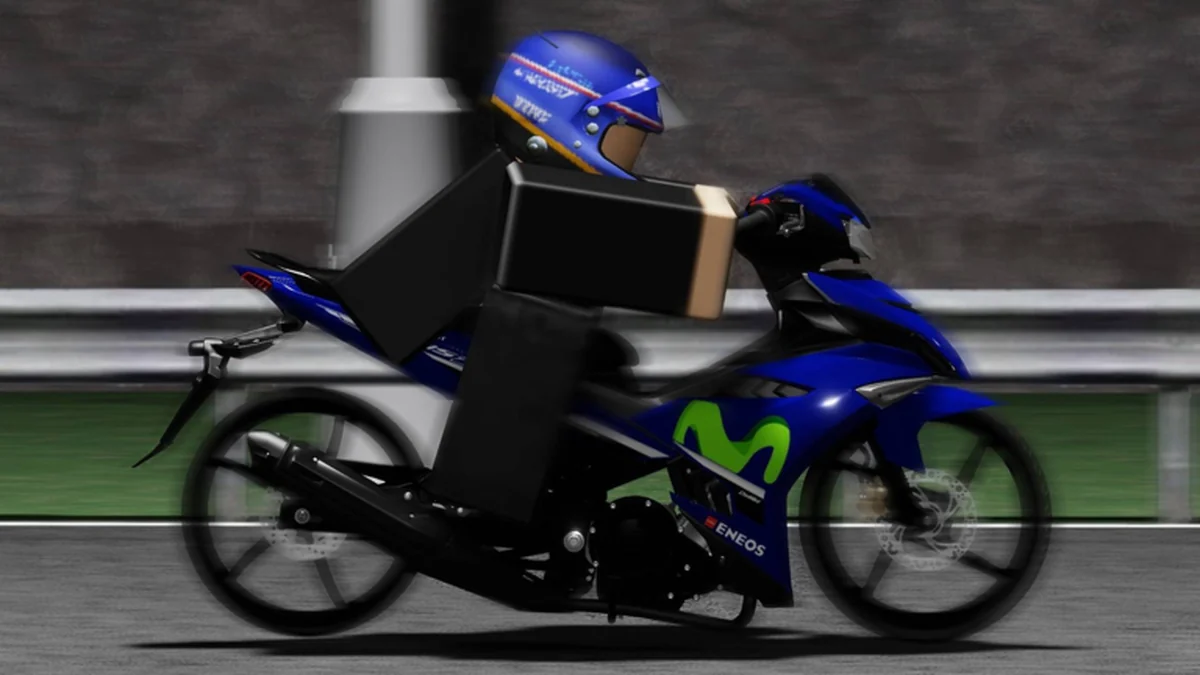
Watch Moped Drag guides gameplay context
Use this player-made video as visual context, then verify controls, interface labels, prices, and update-sensitive claims in the current official experience.
About the Moped Drag guides collection
The Moped Drag guide library is built around practical tasks that the accepted sources can support. It covers the official PC bindings, the mobile on-screen action promise, a first-session learning route, and the separate recovery paths for gamepasses, exclusive motorcycles, and other motorcycles affected by the re-upload.
Each article begins from a verified action or statement, then turns it into a repeatable player checklist. Exact keys, version labels, dates, and preservation promises come from archived official material. Practice advice is presented as a workflow, not as a hidden mechanic or guaranteed race result.
Several popular questions remain unresolved: the complete motorcycle roster, live prices, model statistics, perfect shift timing, and a full migration log. Those gaps stay visible. The guides tell you how to check the current client rather than filling empty fields with information from another Roblox game.
Use the live experience as final authority when the interface changes. The controls guide is the best reference for individual actions, the beginner guide combines them into a session, and the restoration guide organizes account checks without asking for passwords, tokens, payment details, or private recovery information. These boundaries keep each recommendation useful after beta changes and give readers a clear point to stop, open the official experience, and verify the current live state directly.
Choose your next task
Pick the route that matches the question you can answer or verify right now.
I am riding for the first time
Learn the verified inputs and a simple first-session sequence.
Open beginner routeI need the exact keys
Use the official PC list and mobile action boundary.
Read controlsSomething is missing after the re-upload
Classify the asset before choosing a recovery path.
Check restorationI need the evidence boundary
Review the source policy and current verification limits.
About this wikiFeatured guides page
Open the strongest current page for this category and follow its evidence boundary.
All Moped Drag guides pages
Browse every published page owned by this category.
Article
Moped Drag Controls: Complete PC, Camera & Mobile Guide
Use this moped drag controls guide to learn every verified PC key, understand camera actions, and see what mobile players should confirm on screen.
Article
Moped Drag How to Play: Beginner Racing Guide & Controls
Follow this moped drag how to play guide for a practical first-session route through shifting, camera controls, wheelies, racing, and safe checks.
Article
Moped Drag Motorcycle Restoration: Data Recovery Guide Help
Use this moped drag motorcycle restoration guide to understand re-upload losses, preserved ownership, compensation, and safe recovery checks.
Explore related Moped Drag resources
Moped Drag guides questions
Where should a completely new player begin?
Start with the how-to-play guide, learn E and Q for gears on PC or locate the live mobile actions, then add wheelie and camera controls one at a time.
Are the keyboard bindings official?
Yes. The accepted official description lists E, Q, V, B, T, Left Shift, and Shift+C for their respective actions.
Do the guides contain a full bike progression route?
No. Current prices, roster data, and complete stats were not reliably published, so purchase decisions remain live-game checks.
Can this site restore account data?
No. It can explain the official notice and safe audit steps, but it cannot access or modify Roblox account data.
How are changing details handled?
Each page shows its review date and labels evidence boundaries. The current official experience remains final authority.
Build a clean first Moped Drag session
Start with the beginner route, keep the controls reference nearby, and move to restoration only when an ownership check reveals a real gap.